
The manga you own,
translated on-device
Penguin Viewer opens the manga, webtoons and novels you already own. Archives open without unpacking, and TXT, MD and EPUB novels sit on the same shelf. Speech bubbles are translated on the device, so pages never leave it.
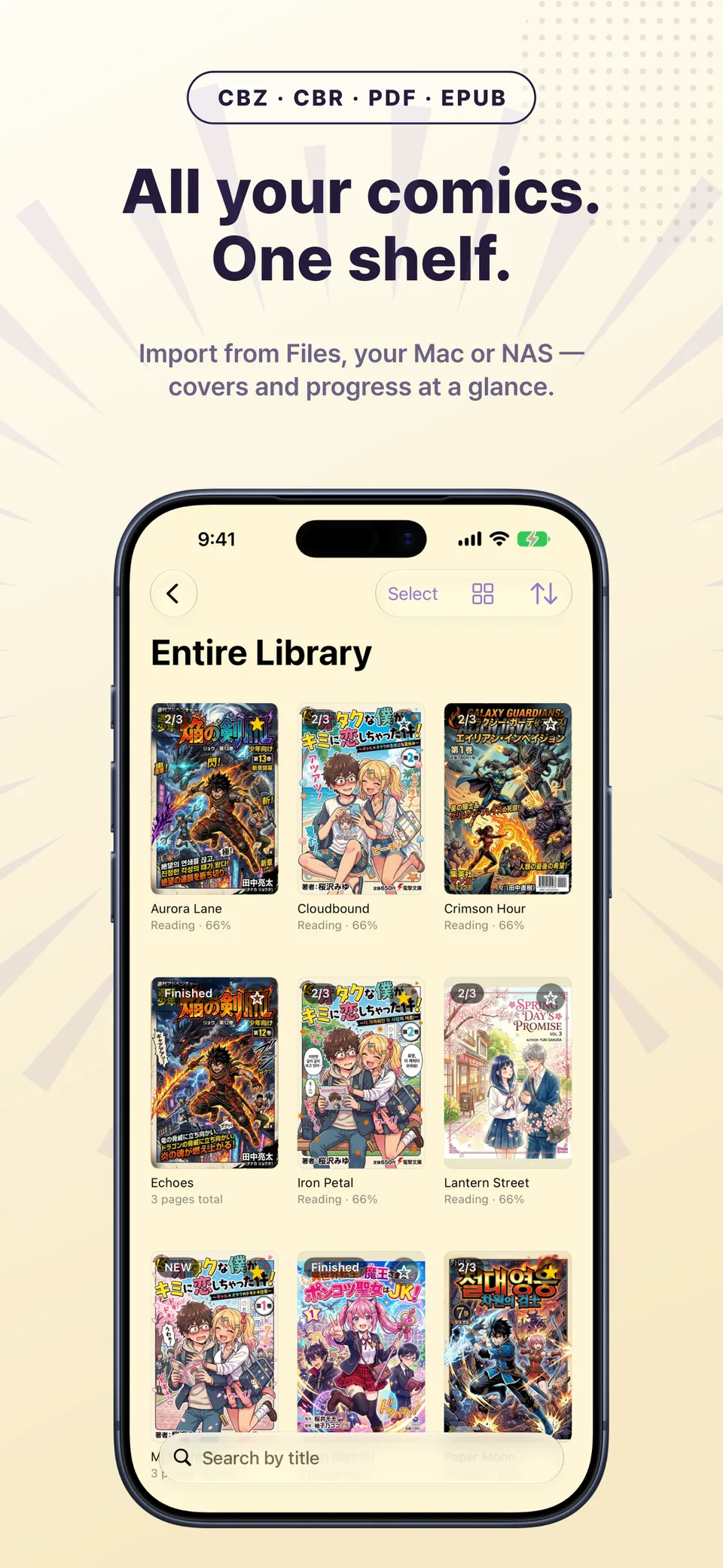
What reading looks like
Nine screens from the app, covering the shelf, a translated page, a NAS library, a webtoon in vertical scroll and the reading record that builds up as you go.
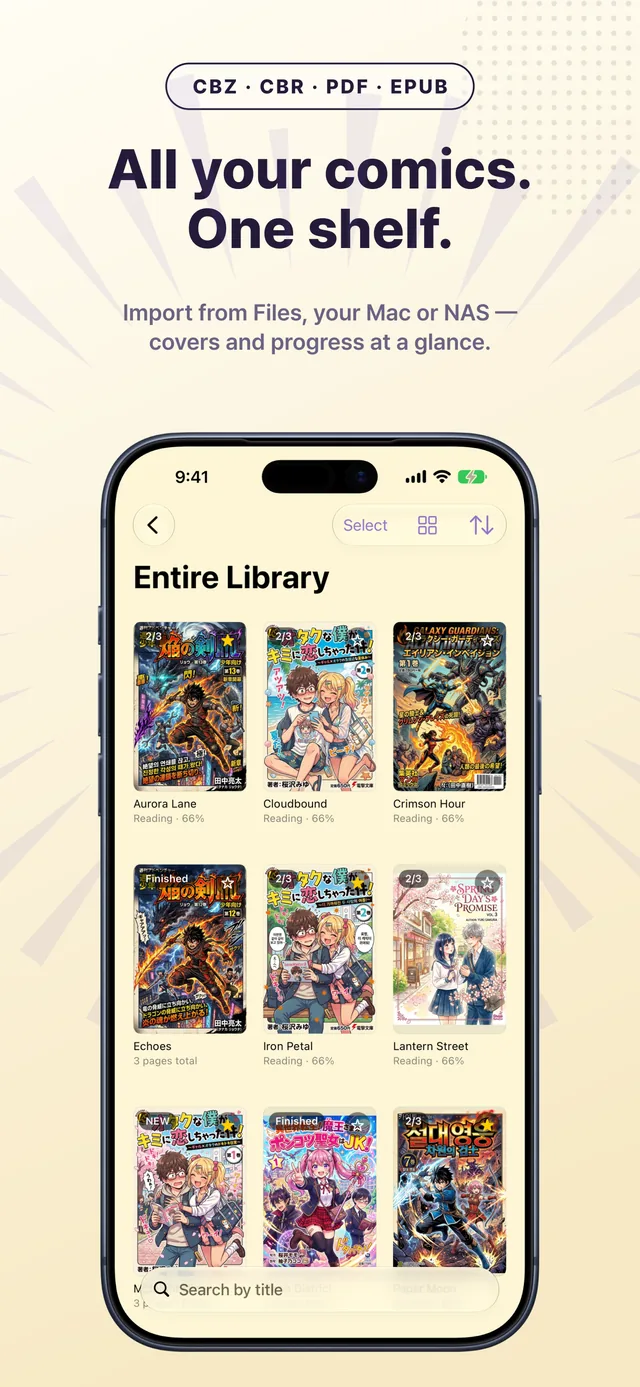
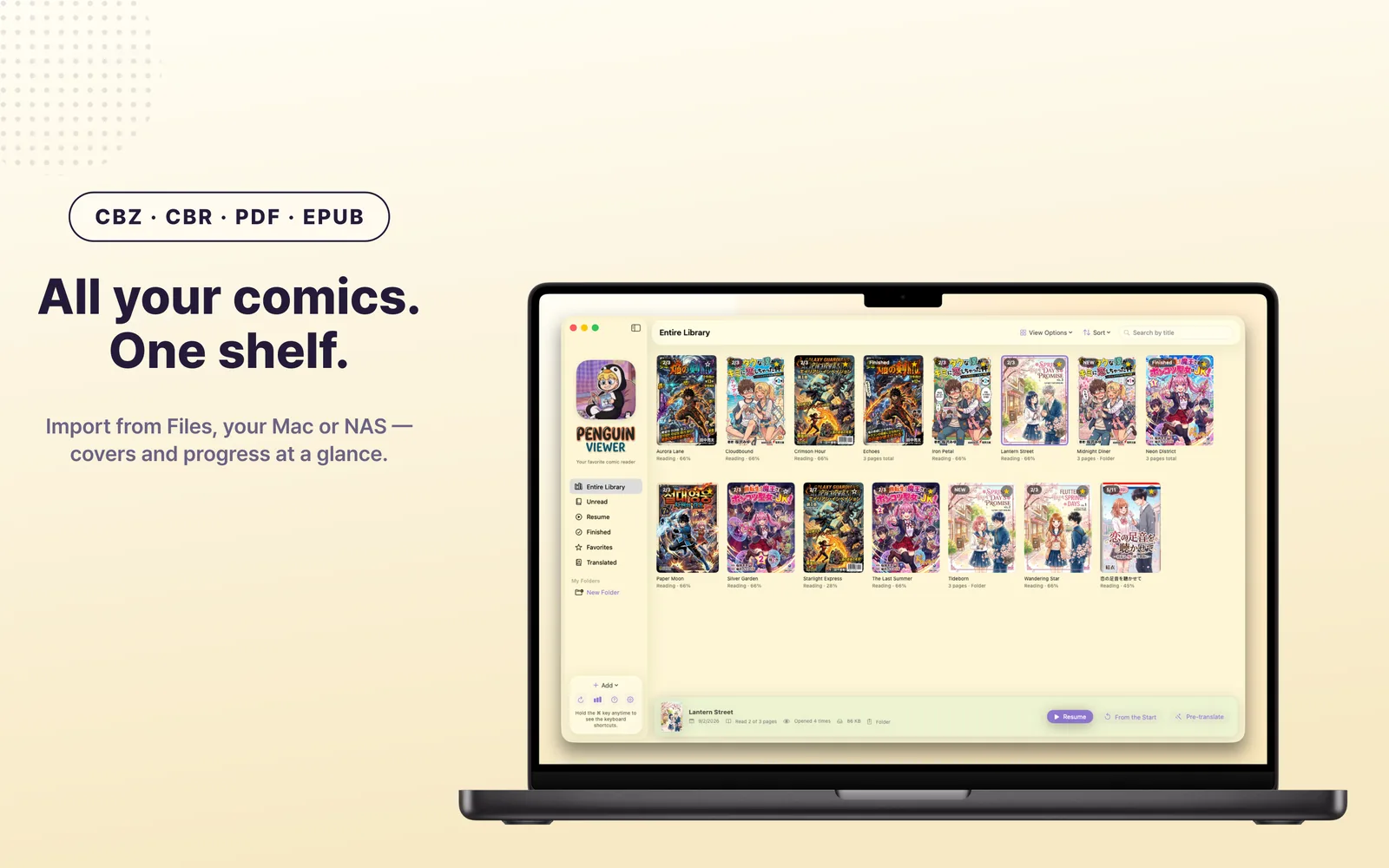
01Comics and novels on one shelf 
02A bubble translated in place 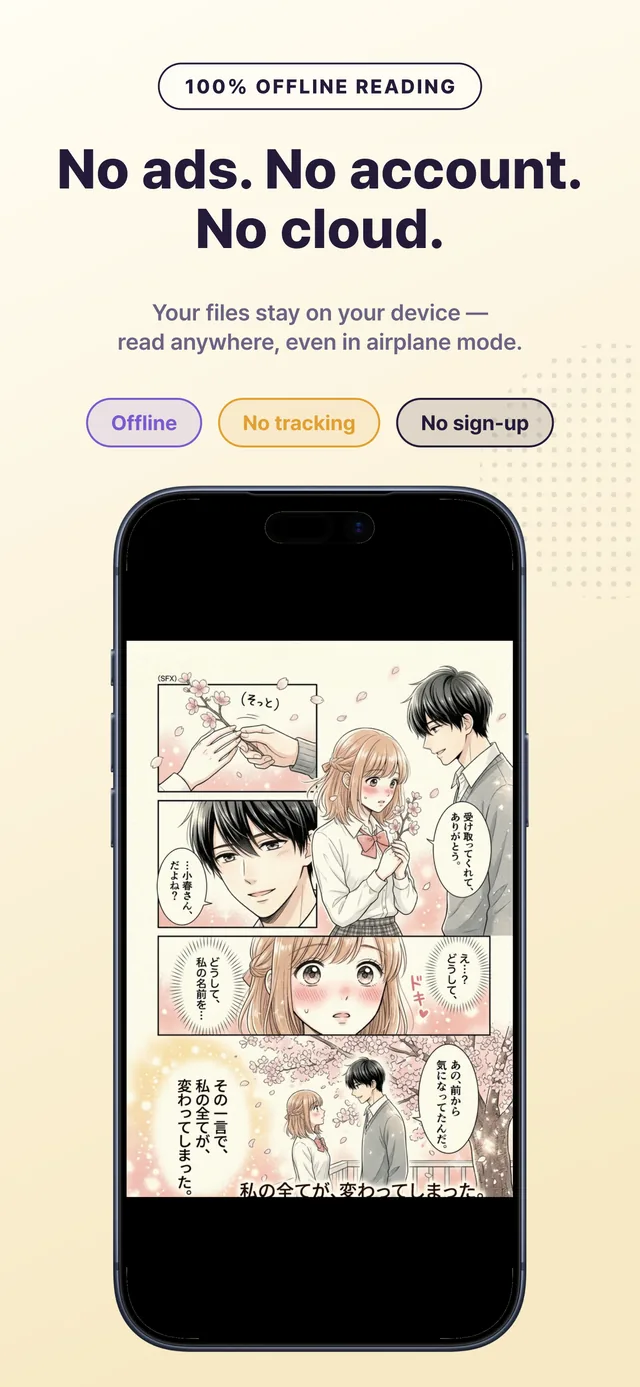
03Opens with the network off 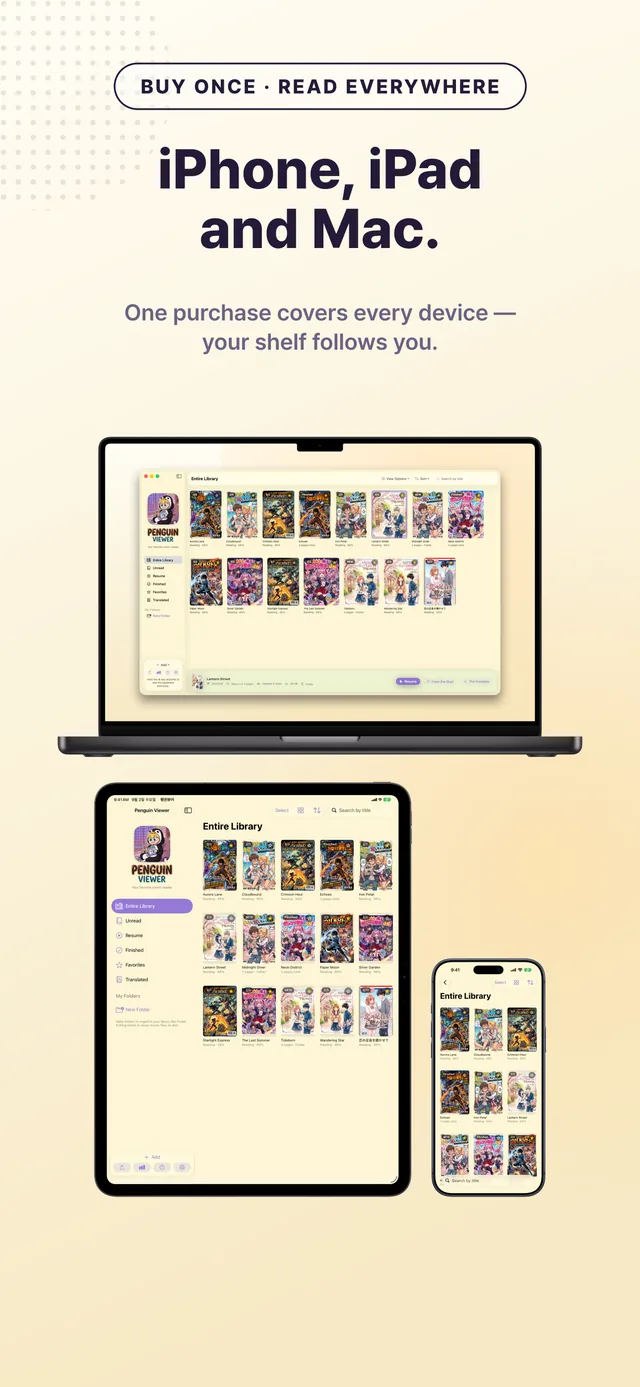
04The same book on iPhone and Mac 
05Two-page spread, right to left 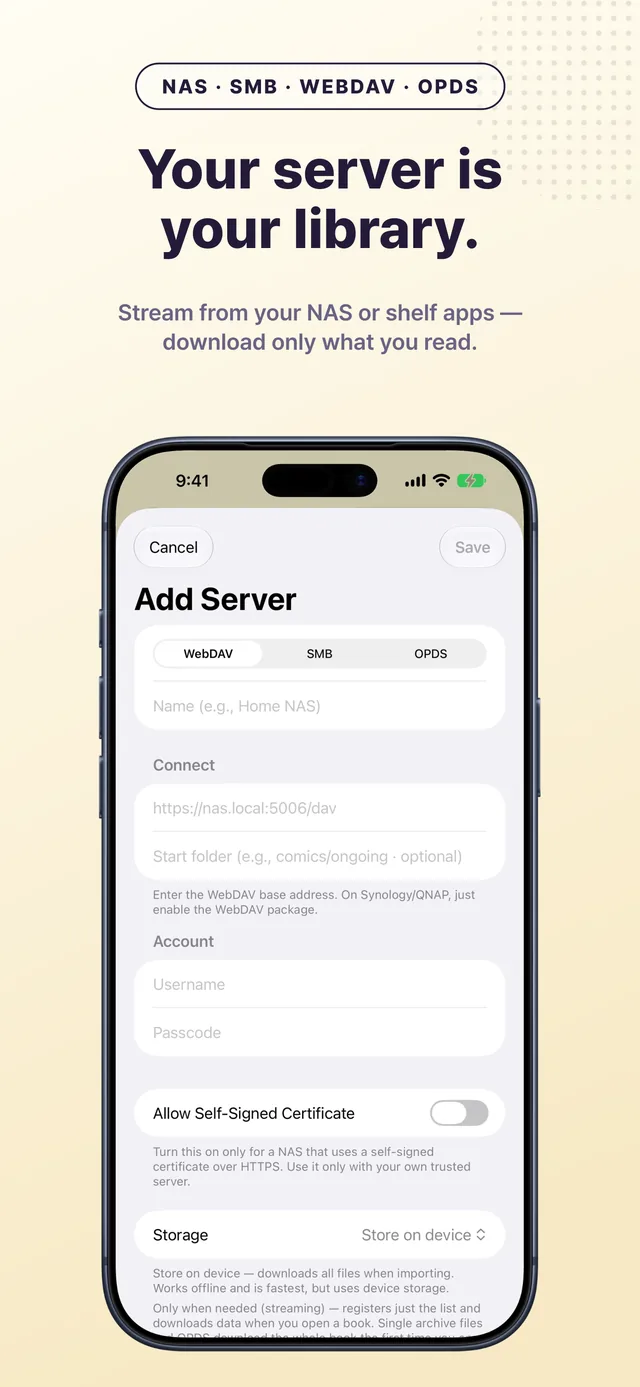
06A NAS library read over SMB 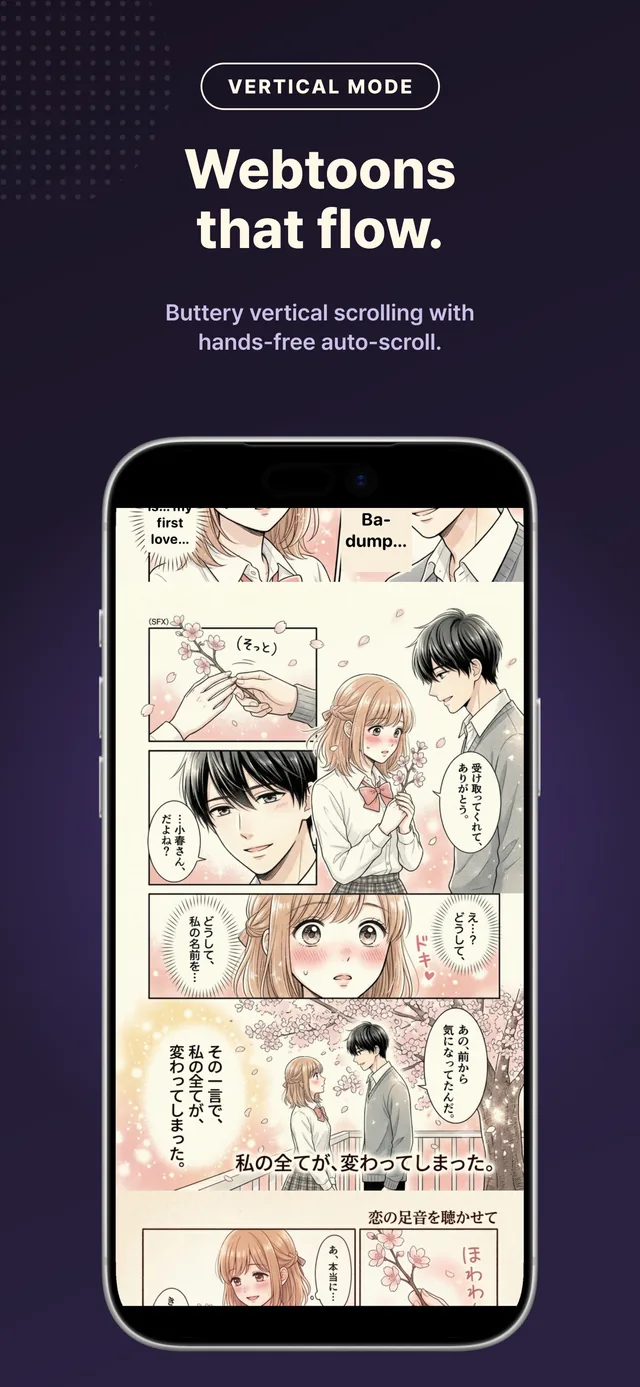
07Webtoons in vertical scroll 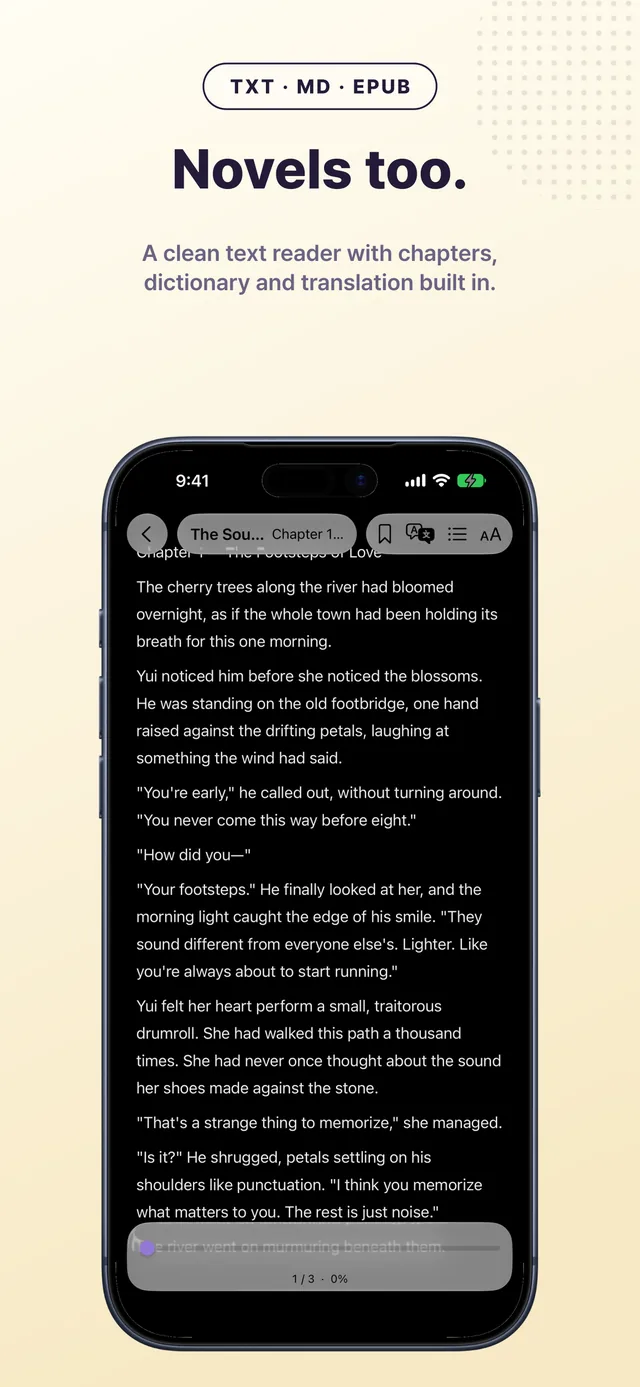
08An EPUB novel in the text reader 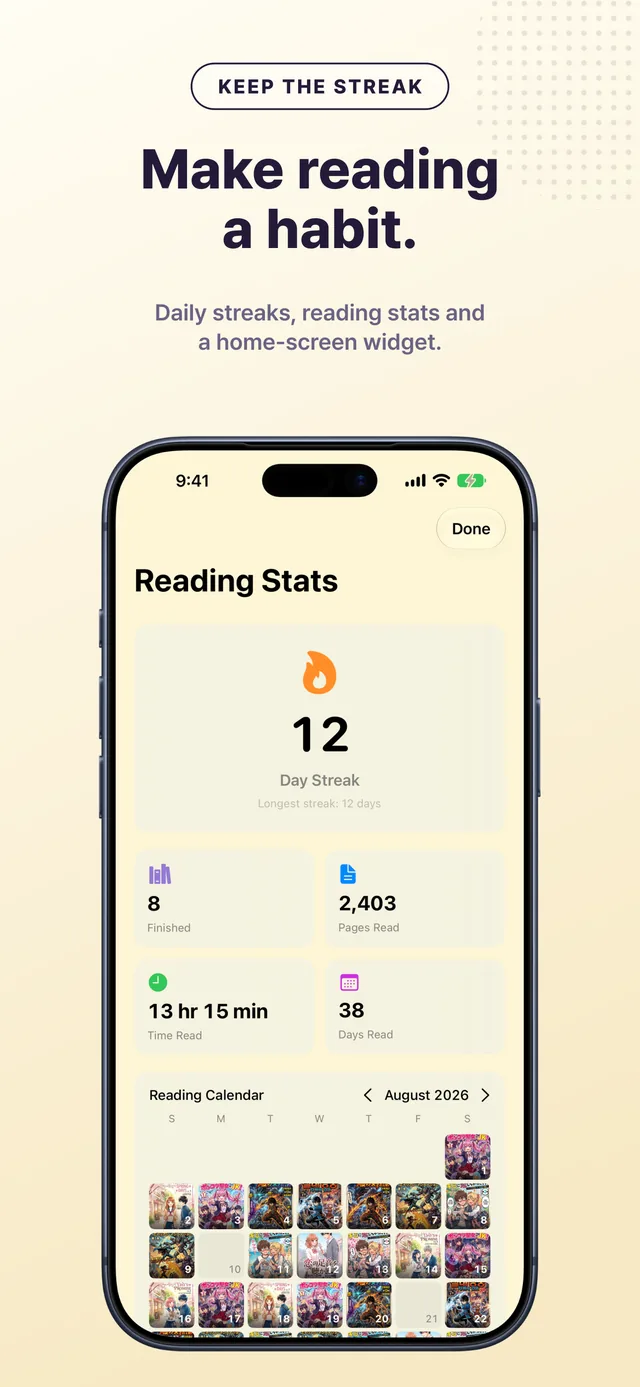
09Reading stats and the calendar
Comics and novels in one library
Eight things the app does once your books are in it, from the folders you arrange to the Face ID lock.
The files you already have
CBZ, CBR, CB7 (7z), ZIP, RAR, PDF and image folders open without unpacking. Add them from Files, a share sheet, or by dropping them on the Mac window.
Novels on the same shelf
TXT, MD and EPUB novels sit beside the comics. Font, size, spacing and background change at the top of the reader, and the contents list jumps chapters.
Folders you arrange yourself
Make folders inside folders as you would in Finder, and drag a book to move it. The layout follows you over iCloud while the files stay on the device.
Single page, spread or vertical
Read one page, a two-page spread, or right to left for manga. Webtoons scroll vertically with 120 Hz auto-scroll, and pinch zoom works on spreads.
Pick up on another device
Reading position and bookmarks sync as small sidecar files in your own iCloud Drive. The page you closed on the iPhone opens on the Mac.
A record of what you read
Reading statistics, streaks, milestones and a reading calendar show how much you get through. On iOS, Home and Lock Screen widgets show the book you are in the middle of and your reading streak.
Face ID on the app
Lock the app with Face ID so the shelf stays closed when someone else picks up your device. It uses the device's own authentication.
MyAnimeList, if you use it
Link a series with a long press on the shelf, or a right click on the Mac. Finished books send progress up, and progress recorded elsewhere comes back.
Translation that ends on the device
The app finds the speech bubbles on a page, translates the text in each bubble as one block, and draws the result back where the original was. Vertical Japanese is recognised as it is written.
Translated in place
The original lettering is erased and the translation is drawn where it was, so the page still reads as a page. The file you imported is not modified.
Translate a book in advance
Run the translation over a whole book before you start, and pages turn without a wait. Translated pages are kept, so going back a chapter costs nothing.
Novels beside the original
In a novel you can translate a selected sentence or a whole page and read the result next to the original text.
Pages never leave the device, because the whole translation runs on your iPhone, iPad or Mac.

Your NAS as another shelf
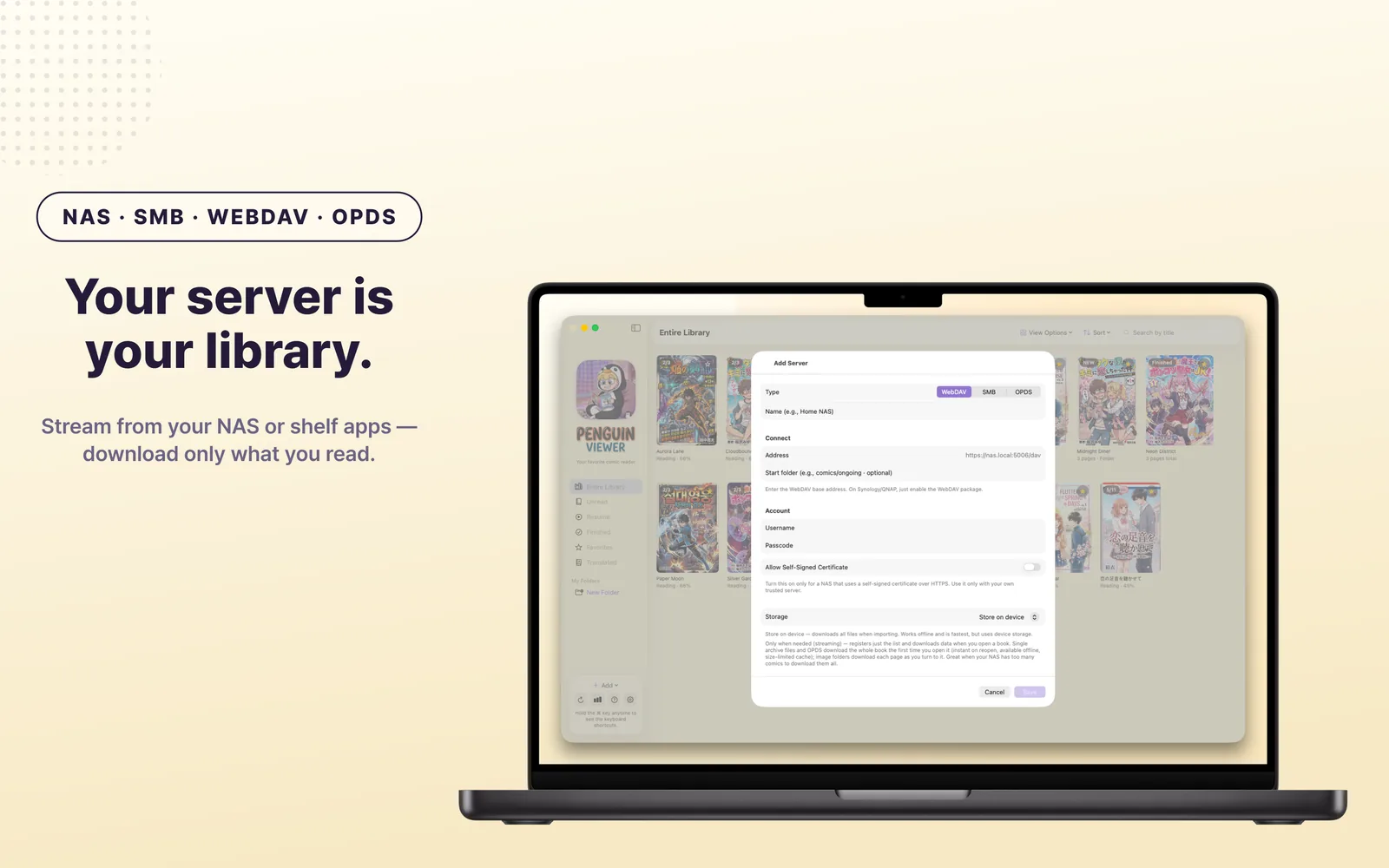
If your library already lives on a server, connect it once and it appears in the app next to the books held on the device.
SMB, WebDAV and OPDS
Connect a NAS over SMB, a shared drive over WebDAV, or a catalogue over OPDS. Komga and Kavita libraries come in through OPDS as well.
Read without downloading
OPDS-PSE streaming opens a book at the page you stopped on and fetches only the pages you read, so a large server library takes no storage on the device.
Credentials stay in the keychain
Server addresses and account details are kept in the device keychain. We run no server of our own, so the app talks to yours directly.
How fast your device translates a page
The benchmark runs one manga page through the whole translation pipeline and times each part of it. The result is a single number, PVScore, and a higher number means a faster device.
One number for the whole run, shown on a CRT arcade screen that reads NEW RECORD when you beat your best. The result saves and shares as a PNG card.
Enter a nickname of up to 12 characters to post your score and see the worldwide top 500.
The benchmark and the leaderboard are free, and there is no limit on how many times you run them.
A result leaves the device only when you post it. What goes to Apple's CloudKit Public Database is the nickname, the PVScore, the total time in milliseconds, the time for each stage (detection, OCR, translation, inpainting), peak memory, the device model, the chip name, the OS version, the app version, the pipeline version and the time of the run.
One app for iPhone, iPad and Mac
Penguin Viewer is one universal app for iPhone, iPad and Mac. Pro is bought once and applies everywhere you use the same Apple Account.
One app, three platforms
The same app runs on iPhone, iPad and Mac, and the Mac version is downloaded from the Mac App Store with the same purchase.
Built for each screen
On the Mac you drop files onto the window and turn pages from the keyboard. On iPad a two-page spread fills the width of the screen.
17 interface languages
The interface is available in Korean, English, Japanese, Chinese (Simplified and Traditional), French, German, Spanish, Italian, Portuguese (Brazil), Dutch, Russian, Arabic, Thai, Turkish, Vietnamese and Indonesian.
iOS 18, iPadOS 18 or macOS 15 and later
What is free and what is paid
Every feature is free, including translation, server libraries, statistics, widgets, the Face ID lock and the benchmark. The purchase changes one thing, which is how many books the library holds.
Free
Free
- Every feature, from translation and server libraries to the benchmark and leaderboard
- The library holds 30 books
- Sharing the app once adds ten more, for 40 in total
- No account and no sign-up
- No advertising and no tracking or analytics SDKs
Pro Lifetime — Buy Once
$3.99
A one-time purchase. The price is valid until 31 December 2026.
- The library limit is removed, so you can keep as many books as you like
- One purchase covers iPhone, iPad and Mac
- Family Sharing is turned on
- Not a subscription, so there is nothing to renew

- The App Store shows the price in your local currency.
- The launch price runs until 31 December 2026.
- From 1 January 2027 the price is $6.99.
- Purchases and refunds are handled by Apple.
Questions readers ask
Which files does it open?
Does translation need the internet, and are my pages uploaded?
What does the free 30-book library mean, and how do I get the extra books?
Do I have to buy Pro again on the Mac?
How does a NAS or OPDS library work?
Where is my data, and what does iCloud hold?
Documents and contact
Questions, bug reports and requests to remove a leaderboard entry all reach us by e-mail. Penguin Viewer is made by HoneybeeMobility, an app studio in Incheon, Korea.