Culpix
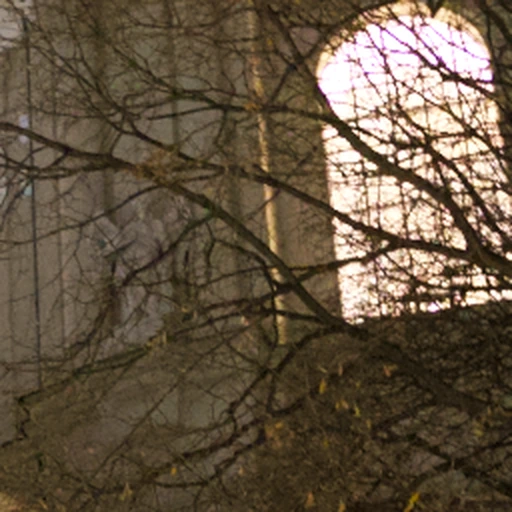
In daylight
 Noise removed
01 Detail

Culpix / iPhone · iPad · Mac
Automatic grouping. AI best picks. Pro Culling. RAW noise removal. A complete selection workflow, processed on your device, with no server.
iOS 18 · iPadOS 18 · macOS 15
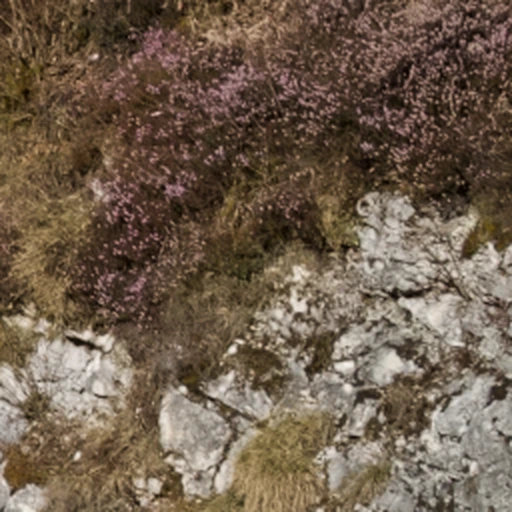
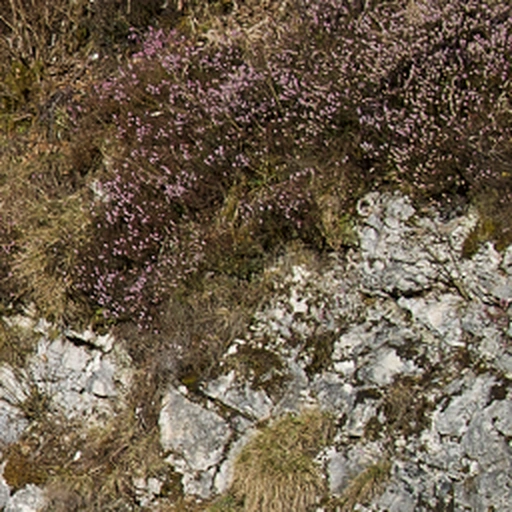
Hallstatt, Austria01 / P08
Compare the original RAW decode with the noise-removed result. Adjust the strength in Culpix, then export JPEG, HEIF or 16-bit TIFF.
iOS 27 · iPadOS 27 · macOS 27
01 Detail
02 Detail
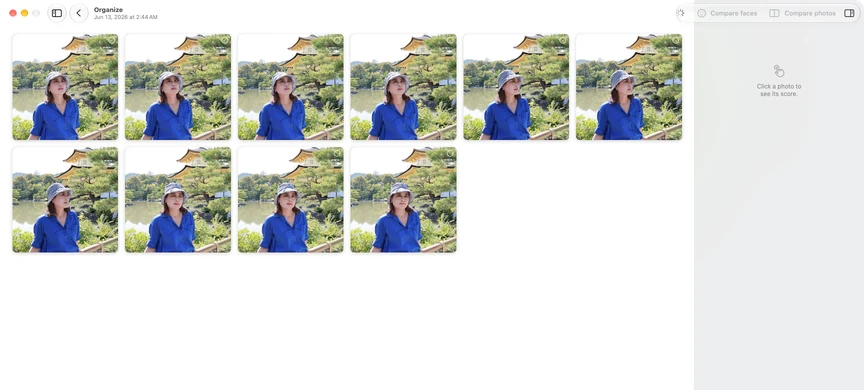
Culpix brings related frames together. Burst sequences form their own groups; similar shots are grouped by appearance and time. On iPhone and iPad, screenshots, documents and receipts, and blurry photos have separate categories.

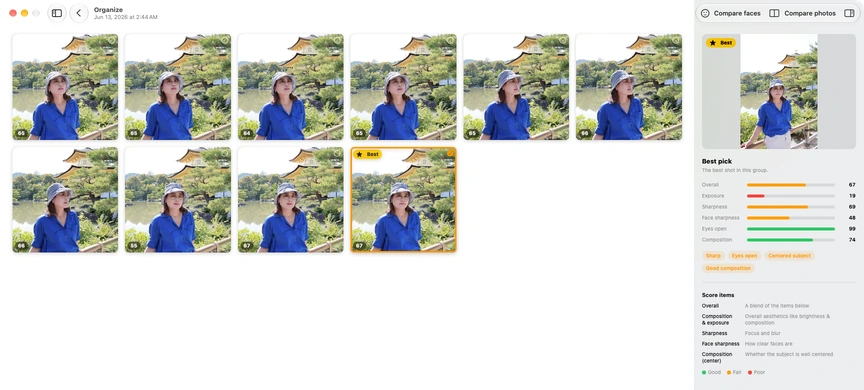
On-device AI with Apple Vision evaluates each group. Sharpness, exposure, face sharpness, closed-eye detection, subject centring and composition inform the best pick.
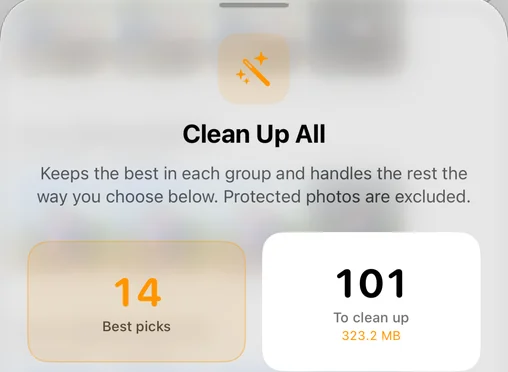
Clean Up All keeps the best in every group and handles the rest the way you choose. Protected photos stay out of the cleanup.
iPad and Mac
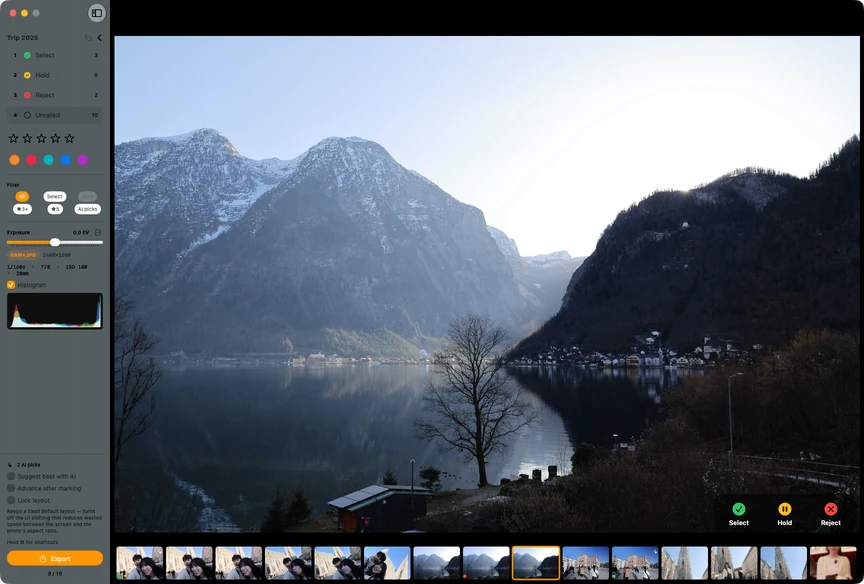
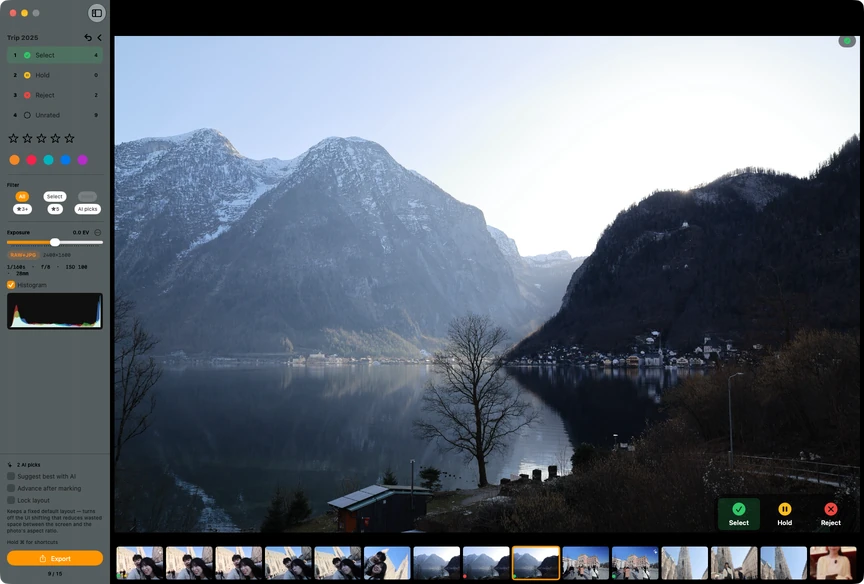
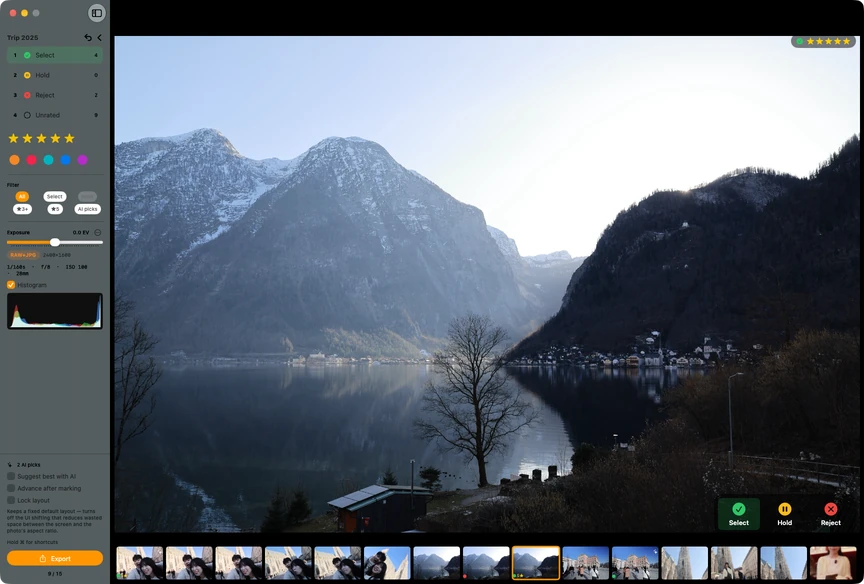
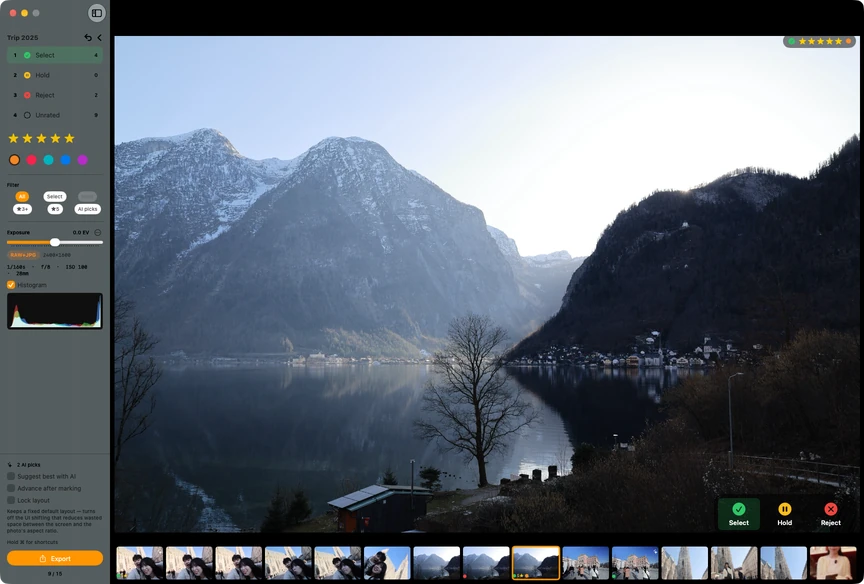
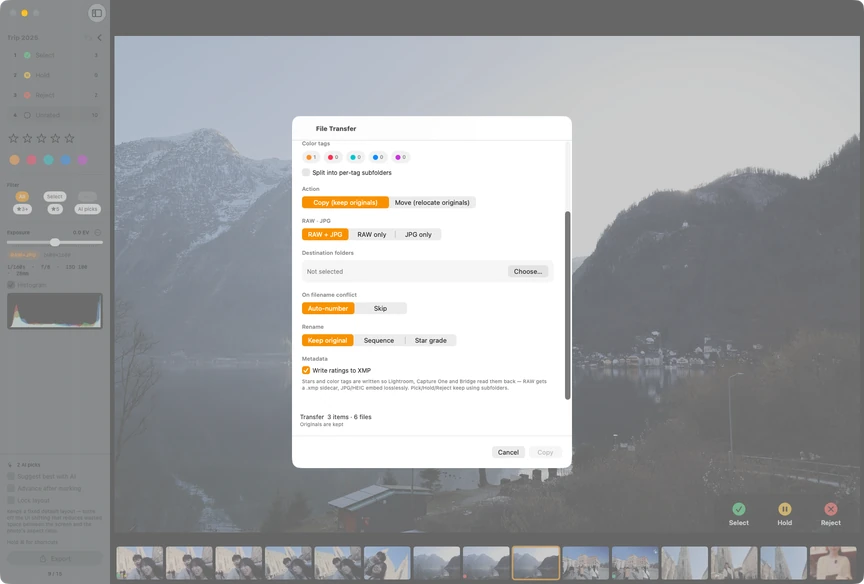
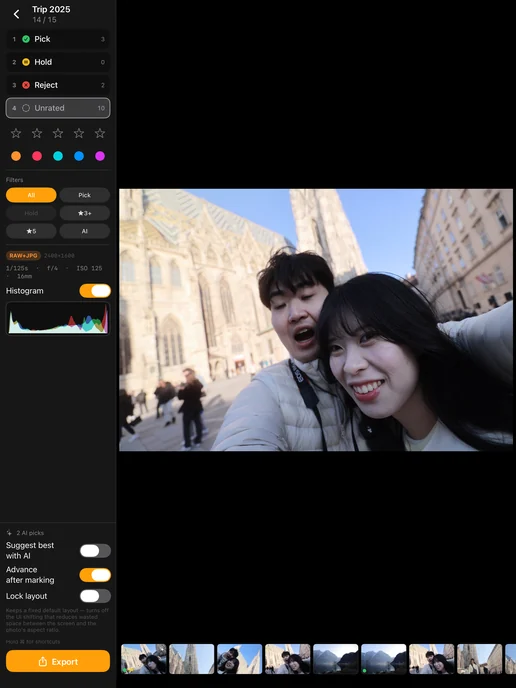
Work through a RAW/JPG folder with flags, stars and colour labels. Keep the histogram and EXIF in view, then carry your ratings into your editor.
 iPad
iPadStar ratings and colour labels travel in XMP to Lightroom and Capture One.
RAW + JPG.xmp
xmp:Rating 5
xmp:Label OrangeLightroom
Grouping, AI scoring, Pro Culling and RAW noise removal all run on your device. No account. No tracking.
Face compare lines up the face from every frame in a burst, so a blink or a shifted expression stands out. On iPhone, iPad and Mac.
Split compare puts two photos on one screen at full size, and you drag the divider to check focus down to the pixel. It works on iPhone, iPad and Mac.
Photos come one at a time and you swipe to keep or delete. Favorites and protected albums never enter the deck. On iPhone and iPad.
Storage analysis breaks the library into large videos, bursts and screenshots with sizes and counts, then clears what you pick. On iPhone and iPad.
Favorites and any album you protect stay out of the delete candidates. Deleted photos wait in Recently Deleted for 30 days, on Mac as well.
A USB stick, an SD card or a folder in Files is grouped like the library. On an iPad you can drag a folder in from Files, and on a Mac you can open any folder you pick in Finder.
A cleanup starts on the home screen by picking the library or external storage. Counters show photos cleaned and space freed, and a note says analysis stays on the device.
The home counters open the cleanup history, which can also be cleared. A weekly reminder or a Siri shortcut starts a cleanup, on iPhone and iPad.
The coordinates go into the photo's own GPS fields. RAW files get an XMP sidecar, and when a JPG of the same shot sits next to it, the JPG is written as well.
The app is free to download and every feature is open during the trial, apart from exporting from RAW noise removal. After that, a single purchase unlocks it for good.
Free
From the first launch, every feature but one
$7.99
One-time purchase
Prices are from the US App Store, and the purchase screen shows the final price.
If you bought Culpix while it was a paid app, before 12 July 2026, it keeps working with no trial and no paywall.
Payments and refunds are handled by Apple.
The trial starts on first launch and lasts seven days. Every feature is available except exporting from RAW noise removal. After the seven days, a one-time purchase keeps every feature available permanently.
Star ratings and colour labels can be read by Lightroom, Capture One and other editors. Culpix keeps RAW+JPG pairs together.
Photos deleted from the library can be recovered in the Photos app’s Recently Deleted for 30 days. File moves in Pro Culling can be undone from Move History. Favourites and protected albums are excluded from delete candidates.
Questions, bug reports and purchase problems all reach us by e-mail. Culpix is made by HoneybeeMobility, an app studio in Korea.