
Sort your bursts,
keep the best shot
Culpix groups burst shots and near-identical photos on the device, then marks the best frame in each group and shows what the pick was based on. Deleting the rest frees up space in the photo library. The same app runs on iPhone, iPad and Mac.

What a cleanup looks like on screen
These are the screens you work in, from choosing what to scan to deciding which frame stays. All eight come from the shipping app.

01Start a scan from the home screen 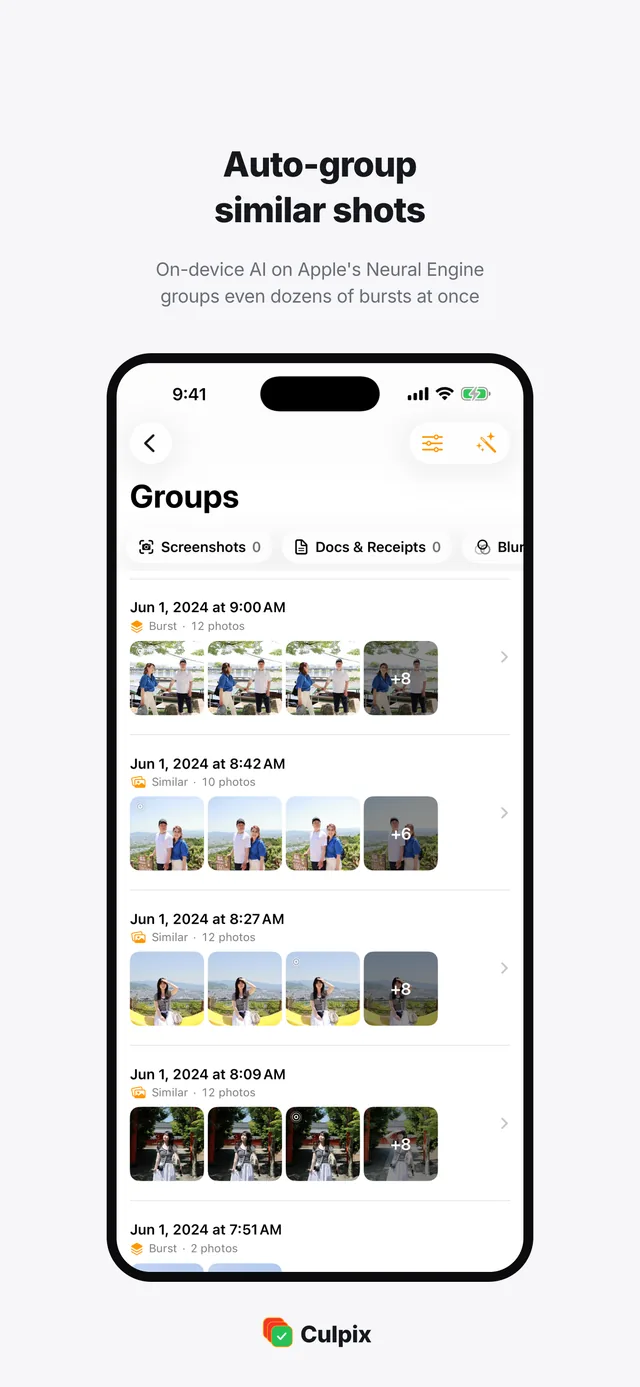
02Bursts grouped on the device 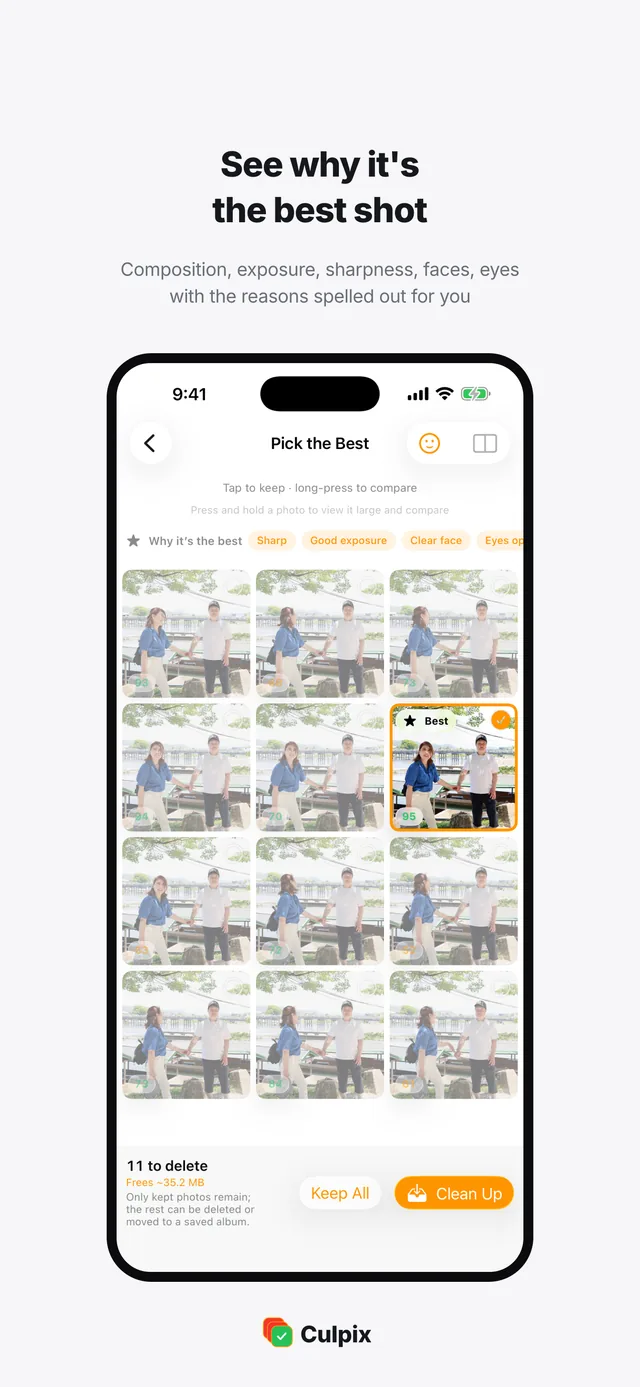
03The best pick and its reasons 
04Faces from a burst, side by side 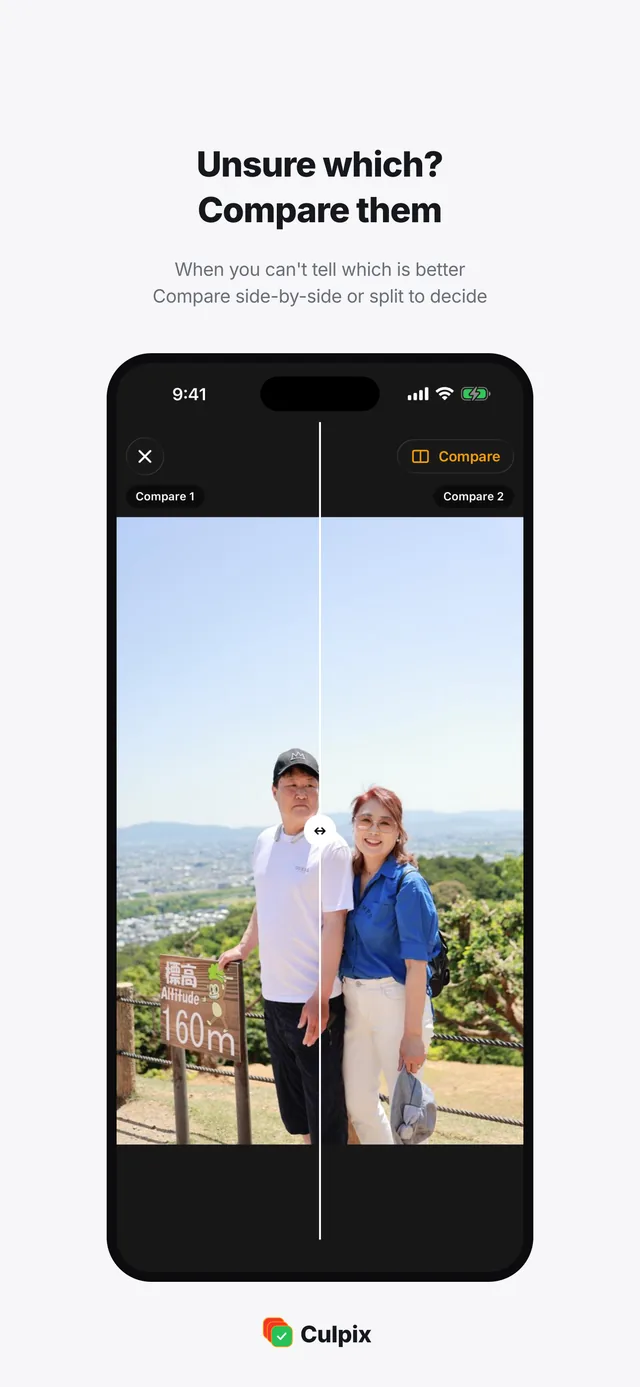
05Drag the divider to compare two 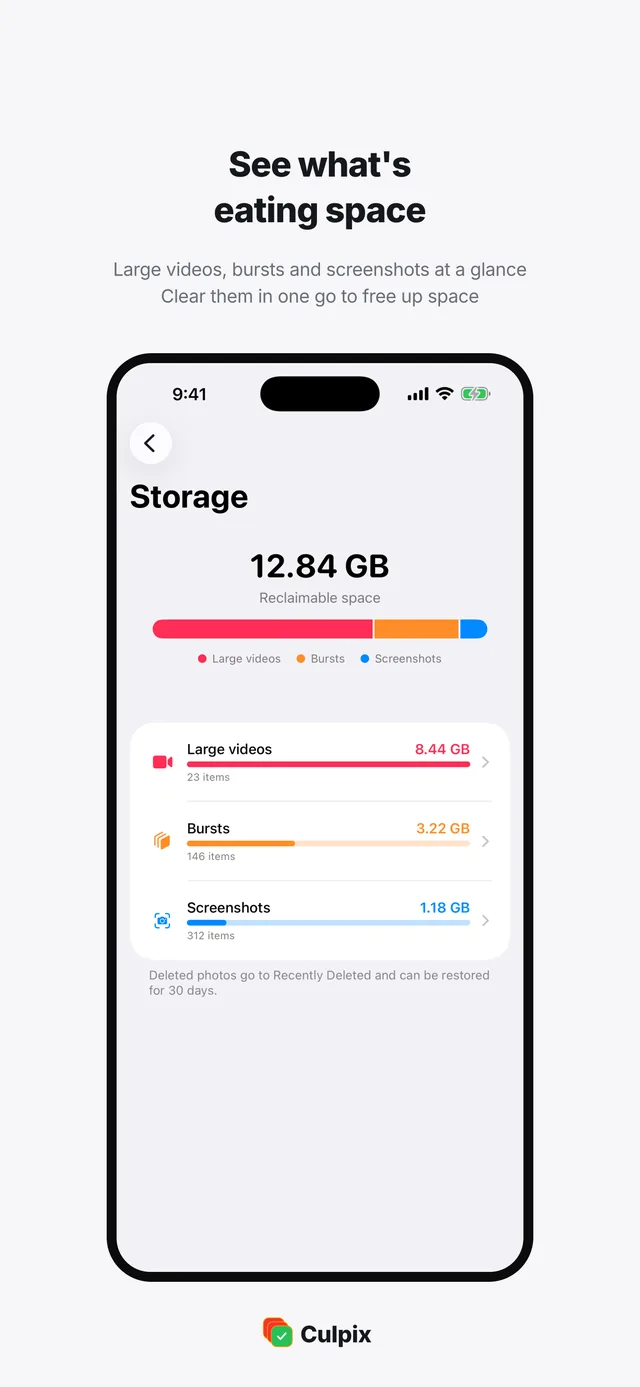
06What fills the library, by size 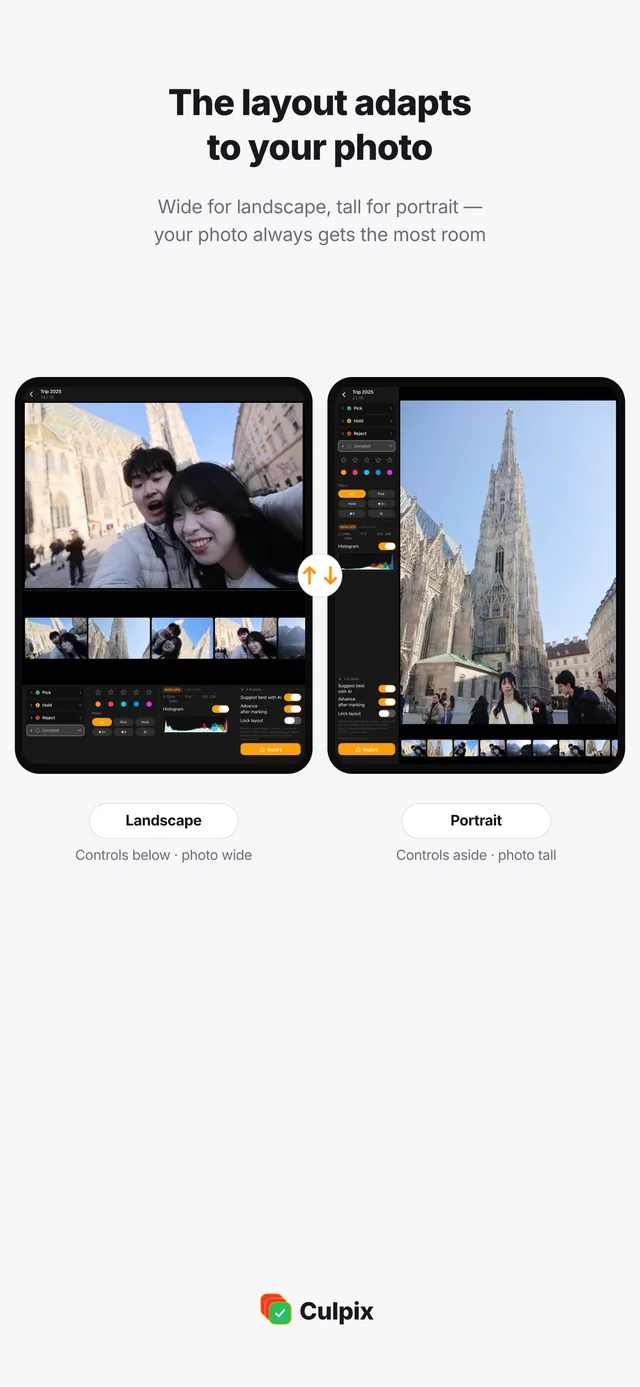
07Pro Culling fits each photo on iPad 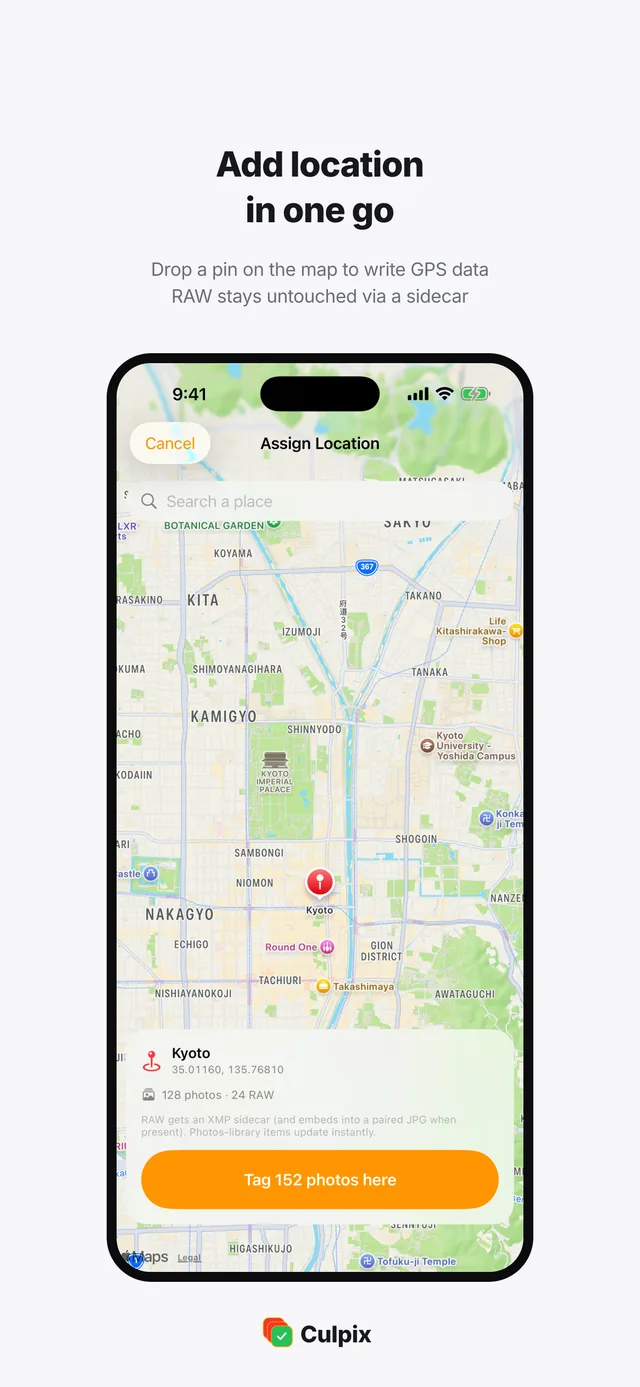
08Pick the spot on the map
What the app does with a full photo library
Everything runs on the device with Apple Vision, and nothing is deleted until you decide it should be.
Grouping bursts and look-alikes
Apple Vision reads the library and puts bursts and near-identical frames in one group. Screenshots, documents and receipts are sorted separately.
The best frame, with the reason
Each group opens with one frame marked best. It weighs composition, exposure, sharpness, faces and open eyes, and reason chips show why.
Two ways to compare frames
Face compare lines up the face from every frame in a burst, so a blink stands out. Split compare drags a divider across two photos at full size.
Quick swipe cleanup
Photos come one at a time and you swipe to keep or delete. Favorites and protected albums never enter the deck. On iPhone and iPad.
iPhone · iPadSeeing what fills up the library
Storage analysis breaks the library into large videos, bursts and screenshots with sizes and counts, then clears what you pick. On iPhone and iPad.
iPhone · iPadWhat the app leaves alone
Favorites and any album you protect stay out of the delete candidates. Deleted photos wait in Recently Deleted for 30 days, on Mac as well.
External drives and folders
A USB stick, an SD card or a folder in Files is grouped like the library. On a Mac you can point Culpix at any folder you pick in Finder.
History, weekly reminder and Shortcuts
The home screen counts the photos you cleaned and the space you freed. A weekly reminder or a Siri shortcut can start a cleanup, on iPhone and iPad.
iPhone · iPadCulling RAW and JPG one frame at a time
Pro Culling opens a folder of RAW and JPG files from the Files app or an external drive and gives every frame the full screen. It is the mode for a shoot you need to go through carefully.
Pick, hold or reject
Mark each frame as picked, held or rejected, then add a star rating and a color tag. An RGB histogram and the EXIF data sit next to the photo, so exposure and camera settings are in view while you decide.
Ratings other apps read
Star ratings and color labels export as XMP. Proprietary RAW files get a .xmp sidecar beside them, while JPG, HEIC, DNG and TIFF are written in the file itself. Lightroom, Capture One and Bridge open the result with no re-rating.
Exporting the keepers
Send the frames you kept to a folder as a copy or a move. RAW and JPG pairs travel together, and files can be renamed by star rating on the way out.
On iPhone, Pro Culling shows a short hint instead of the editor, so this part of the work belongs on an iPad or a Mac.

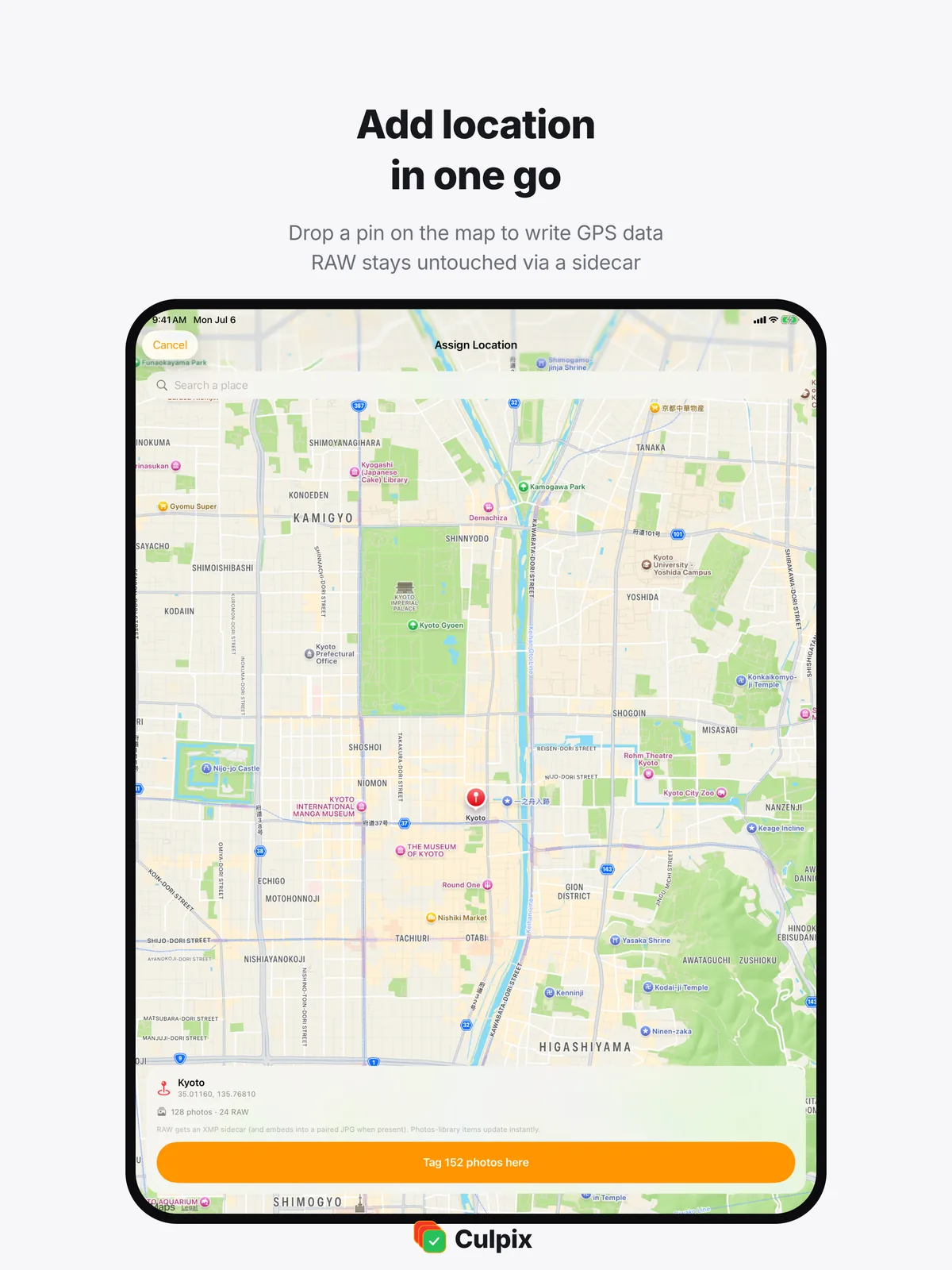
Writing a location into a photo yourself
Photos from a camera often arrive with the location field empty, and scanned older files never had one. Culpix fills it with the point you choose, and with nothing else.
Choose the spot on the map
Tap the map or search for a place by name, then confirm the point. Nothing is guessed from where you have been.
Written into the GPS metadata
The coordinates go into the photo's own GPS fields. RAW files get an XMP sidecar, and when a JPG of the same shot sits next to it, the JPG is written as well.
The device location stays untouched
Culpix never reads where the iPhone, the iPad or the Mac is. The only coordinates in play are the ones you picked on the map.
The app has no location permission at all, so the system never asks you for one.
Everything stays on the device
Grouping, scoring and comparison run locally with Apple Vision. There is no company server behind the app and no account to create.
No server, no sign-up
Photos are analyzed on the iPhone, iPad or Mac and are never uploaded. There is no company server and the app sends nothing to us, and it carries no analytics or advertising SDK.
Deletion with a way back
Favorites and protected albums drop out before anything is proposed for deletion. Photos you delete wait in the system Recently Deleted album for 30 days, on Mac as well, and can be restored from there.
One purchase, three devices
iPhone, iPad and Mac share a single App Store record, so one purchase opens the app on all three. On a Mac it also works through folders and external drives you pick in Finder.
No company server, and nothing is sent to us from the app.
No account, no e-mail address, no profile.
Deleted photos wait in Recently Deleted before they go.
iOS 18, iPadOS 18 or macOS 15 and later

The trial and the one-time purchase
The app is free to download and every feature is open during the trial. After that, a single purchase unlocks it for good.
7-day trial
Free
From the first launch, every feature
- Every feature is open, with nothing held back
- No card and no account to start
- Seven days counted from the first launch
- The app locks when the trial ends
Unlock Everything
US $7.99
One-time purchase
- Everything unlocked permanently
- One purchase covers iPhone, iPad and Mac
- Family Sharing is on
- Not a subscription, so nothing renews
- The App Store shows the price in your local currency.
- If you bought Culpix while it was a paid app, before 12 July 2026, it keeps working with no trial and no paywall.
- Payments and refunds are handled by Apple.
Questions people ask
What happens when the 7 days are up?
Is it a subscription, and do I buy it again on the Mac?
Do my photos leave the device?
Can I get a deleted photo back, and what is protected?
Why is Pro Culling missing on my iPhone?
I bought the paid version before 12 July 2026.
Documents and contact
Questions, bug reports and purchase problems all reach us by e-mail. Culpix is made by HoneybeeMobility, an app studio in Incheon, Korea.