




01
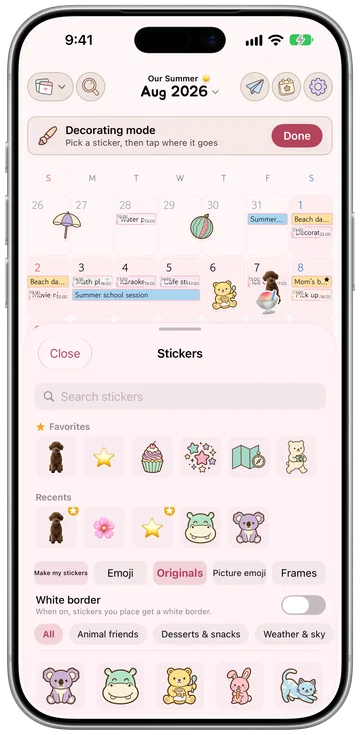
They stick like real stickers
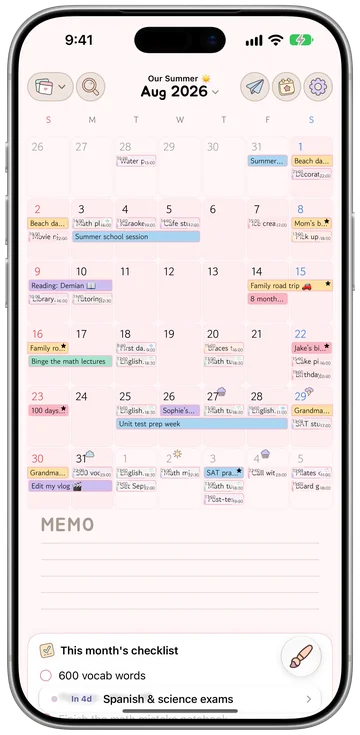
Hundreds of pastels for season and mood


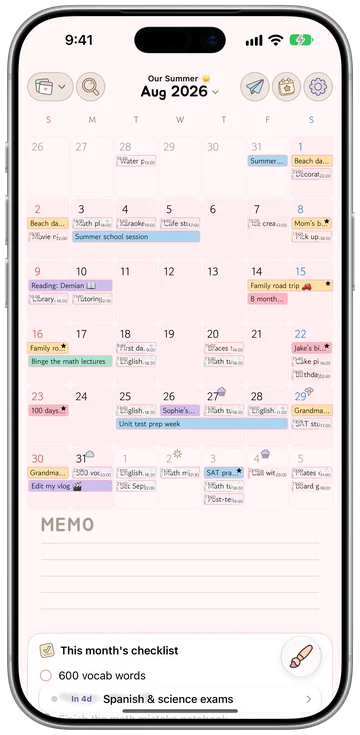
Write your plans, add stickers, and fill one calendar together with family and friends.
Download on theApp StoreCalliary runs on iPhone with iOS 26 or later, iPad with iPadOS 26 or later, and Mac with macOS 26 or later. The Apple Watch app comes with it.
See the calendars you keep in the app in a web browser, and edit your events and to-dos there too. You sign in with your Apple Account.

01 / Features

Hundreds of pastels for season and mood
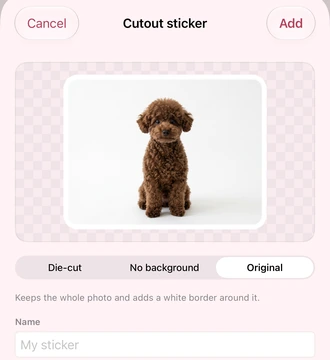
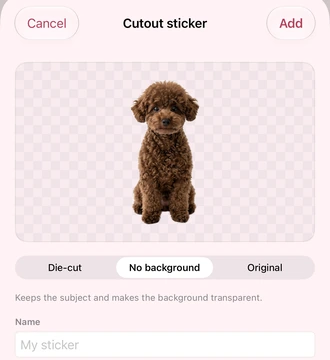
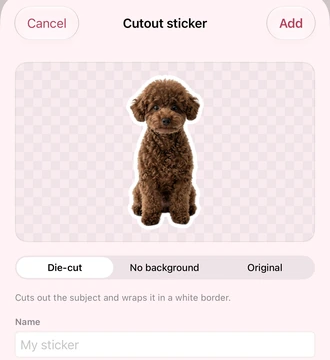
Cut out your photos into stickers and place them on your calendar however you like. Make your photo stickers with Pro.

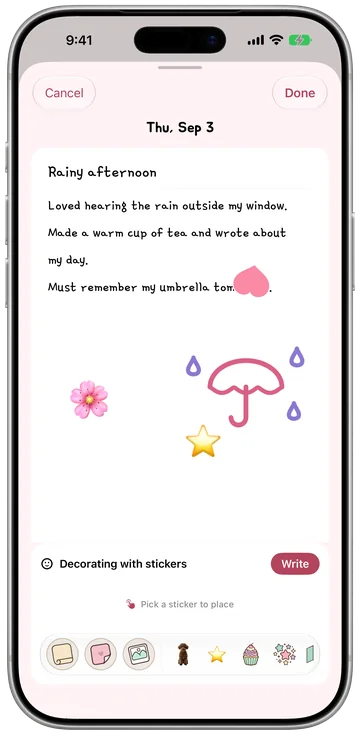
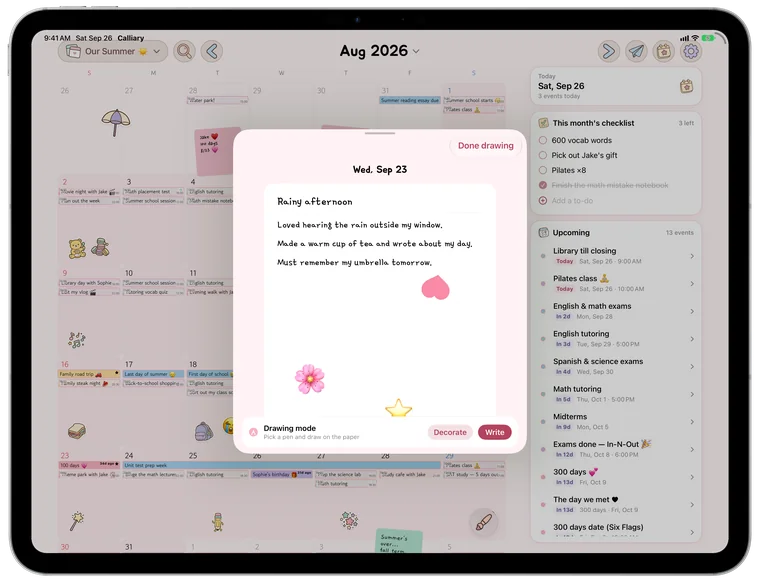
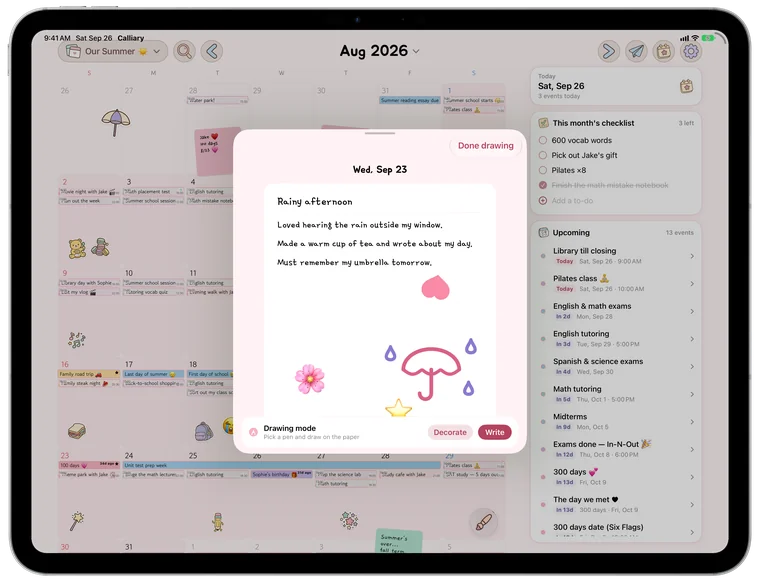
One entry per date. The calendar becomes a diary.

The decorating tools come with Calliary Pro. The monthly and yearly plans start with 1 month free, and anything you already placed stays visible after the trial ends.


02 / Calendar sharing · Free
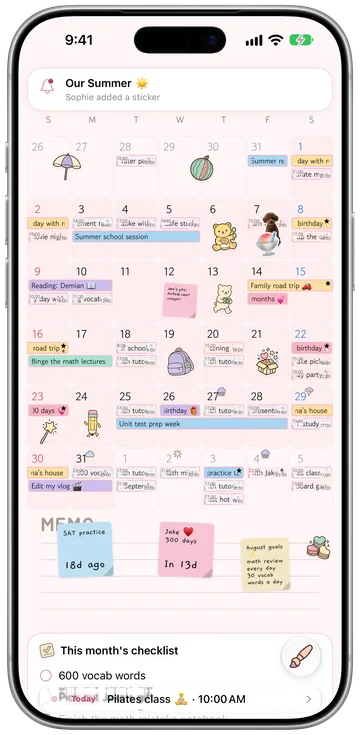
Send an invite code or show the QR and the other person joins right away. Events, stickers and notes all sit on the same calendar.
To decorate a shared calendar, each person needs their own Pro access and the calendar owner's permission.
03 / Widgets & Apple Watch · free
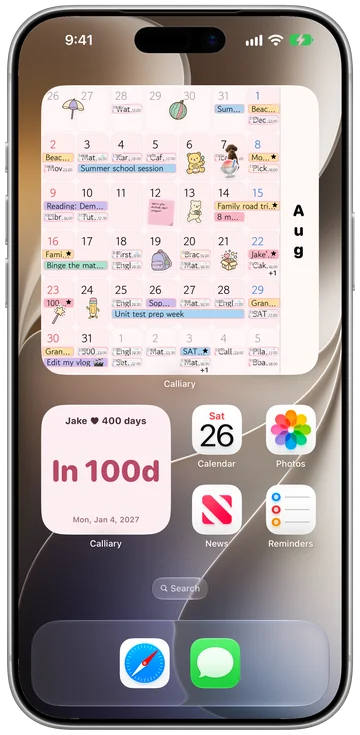
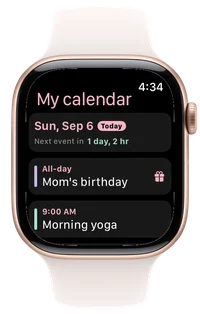
See your calendar with its stickers in a Home Screen widget. On Apple Watch, check today’s schedule and add complications to your watch face.

04 / Calendar Studio
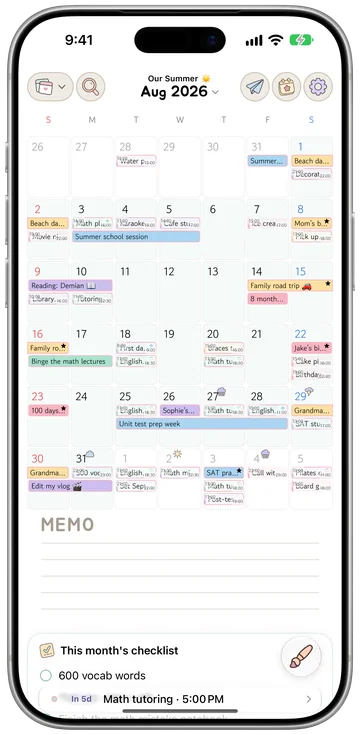
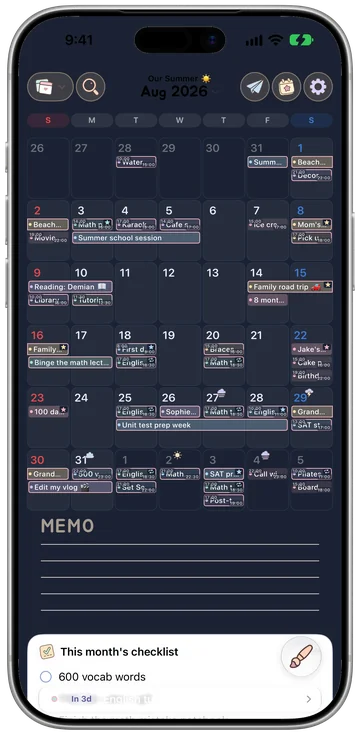
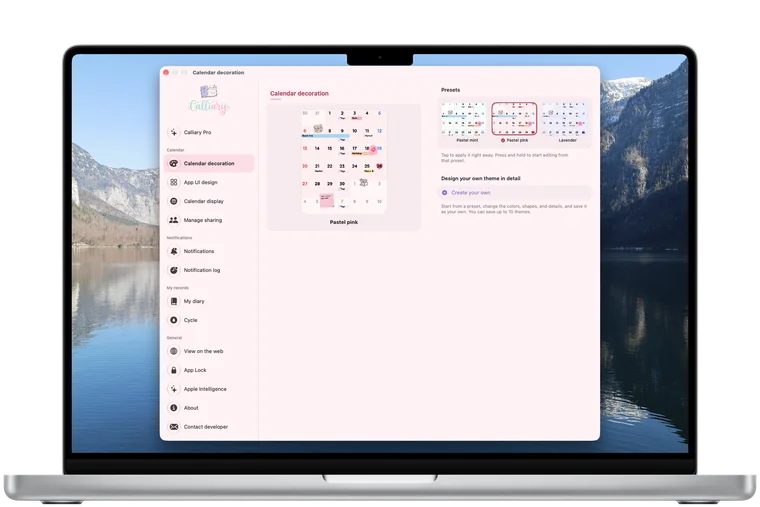
Start from a theme preset, then change the details. Every part of the calendar is yours to set. Anyone can open the studio and preview it.

Draw on your calendar with Apple Pencil on iPad. Turn on finger drawing in settings if you prefer.
Sync across devices using the same Apple Account with iCloud.
Preview the studio for free. Saving themes needs Pro.
05 / Pricing
Records, sharing, widgets and cycle tracking are free. The tools for decorating and designing the calendar come with Pro. There are no ads.

$0
No sign-up · no ads
Everything free, plus the five making tools.
First month free
$1.99/month
Launch price $0.99 /month
1 month free, then renews monthly. Cancel anytime.
First month free
$14.99/year
Launch price $7.49 /year
1 month free, then renews yearly. About $1.25 a month.
One-time, not a subscription
$34.99once
Launch price $17.49 once
Pay once and it stays with that Apple Account. No renewal, no second charge.
Both the subscriptions and the lifetime pass support Apple Family Sharing. Up to 5 family members share one purchase.
06 / Good to know

Three ways. The monthly plan at $1.99 and the yearly at $14.99 both start with 1 month free, and the lifetime pass at $34.99 is a one-time purchase rather than a subscription. Buy it once and it stays with that Apple Account, with no renewal. If you buy the lifetime pass while subscribed, the app takes you to the cancel screen.
Stickers, notes, photos and drawings you already placed stay visible. Nothing disappears or gets hidden. Only new decorating needs Pro, and the same is true of the themes you saved in the studio.
Yes. When a friend actually joins through your invite, color palette editing in Calendar Studio opens for good. You can make and save your own set without Pro.
Yes. You can import events from Apple Calendar and Google Calendar, and open a calendar file (.ics) exported from another app.
Calliary is an app for iPhone, iPad, Mac and Apple Watch. Other platforms are under review.

Place your first sticker with Calli.
Download on theApp StoreCalliary runs on iPhone with iOS 26 or later, iPad with iPadOS 26 or later, and Mac with macOS 26 or later. The Apple Watch app comes with it.